
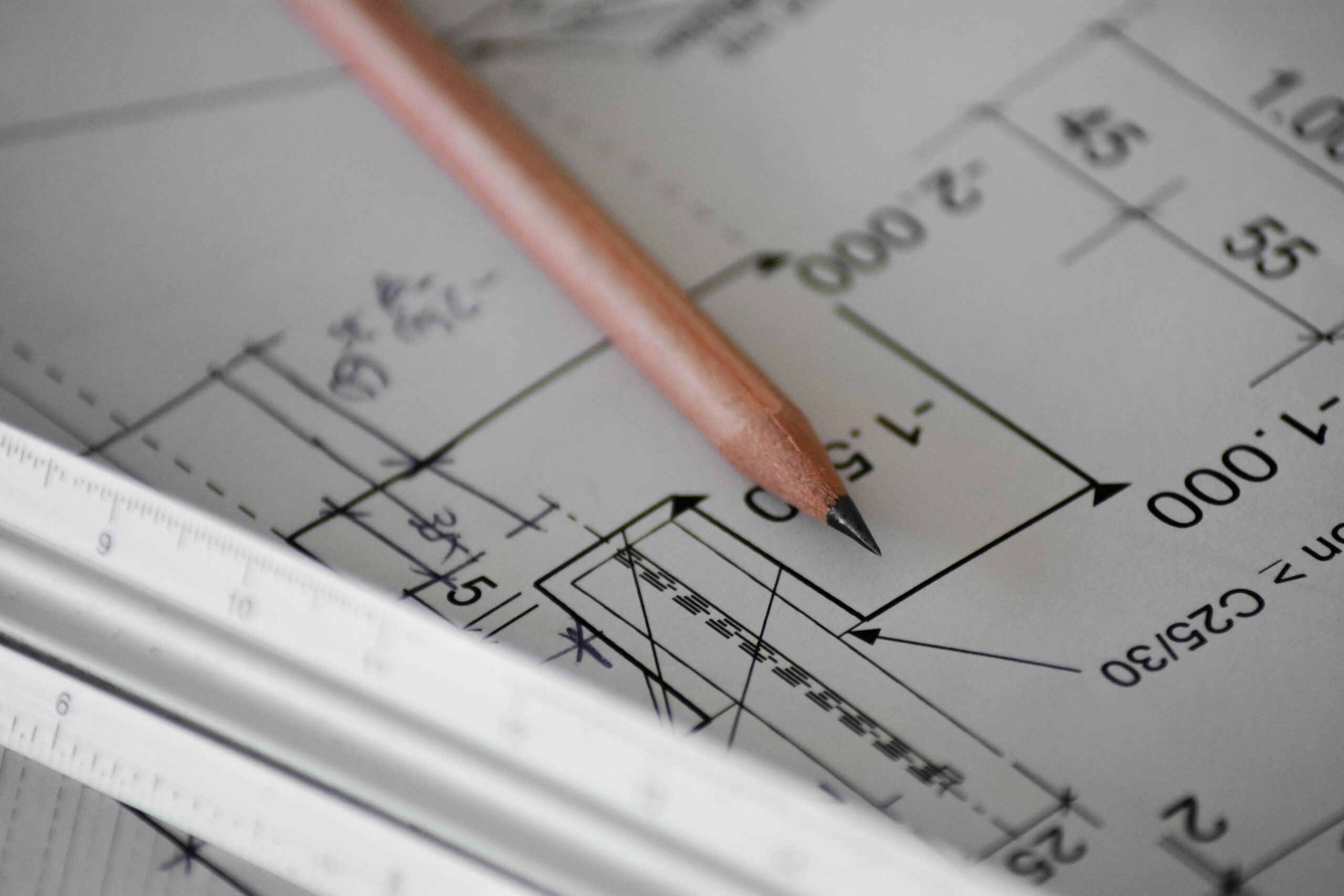
This was a single amendment in Bromsgrove: swap brick for render on the side elevation of an approved householder extension. The delay on jobs like this is rarely the design; it’s the admin. We used AskArchi and our platform to remove the usual friction so the Bromsgrove case officer only had to decide the planning point under the non-material amendment route.
Route and brief in one pass
We entered the change as a short intake: side elevation, render instead of brick, no new openings, no massing change. AskArchi suggested the non-material amendment (NMA) route under Section 96A and drafted a one-line description for the planning application form. It also ran a quick screen for Section 73 triggers such as new windows or height changes. None applied, so we kept the scope tight and moved straight to plan control.
Evidence presented the way officers read it
AskArchi read the revision notes on the submitted elevation and pulled the relevant lines into the internal brief. That let us state, without clutter, that render was already present elsewhere on the approved scheme and the side finish was a tidy-up rather than a redesign. We did not add a statement. We sent one revised plan and a clear note on which sheets were being replaced. The Bromsgrove District Council decision later mirrored that framing: non-material, neutral in planning terms, no amenity impact.
Plan control without the scavenger hunt
The platform asks for one governing drawing for plans and elevations and one location/block plan. It records what is superseded and what governs now, enforces our file naming, and runs drawing checks for page size, DPI and key drafting conventions before submission. The result is a short, stable plan substitution list that a Bromsgrove case officer can verify in minutes.
Form completion without re-keying
Because site, applicant, agent and contact details live as structured records, the Bromsgrove NMA form was pre-filled. Only the council-specific fields appeared. The correct fee was applied from the route choice, with no second wizard or separate log-in.
No validation queries needed
We block the small mistakes that usually trigger planning validation emails. Descriptions longer than a single sentence are trimmed. Drawings with inconsistent revision letters are refused until fixed. If the typed plan list and the uploaded PDFs do not match, submission is stopped and the differences are shown. On this Bromsgrove case there were no validation queries at all.
The numbers that mattered
Preparation took about 40 minutes end-to-end, from intake to submission. Doing the same on the Planning Portal typically takes two to three hours once you count navigation, correcting a plan list after upload, and fixing issues the Portal surfaces only after the LPA starts checking. We kept the file set to two drawings and the form. There was no back-and-forth with the council.
Why the Planning Portal would have been slower
The Planning Portal gives a generic form and a file upload. It does not manage plan substitution, it does not cross-check the typed plan list against the PDFs, and it does not account for Bromsgrove District Council quirks. If you write “render to side” but upload a sheet that still says brick on the annotation, the error slips through until validation. Our workflow prevents that mismatch at the point of submission.
So what actually made the difference?
Clarity. We sent a single-issue non-material amendment in Bromsgrove with one governing plan and a note that linked the change to what was already approved. AskArchi did not make the planning judgement; it removed ambiguity and admin noise so the officer could make it quickly.